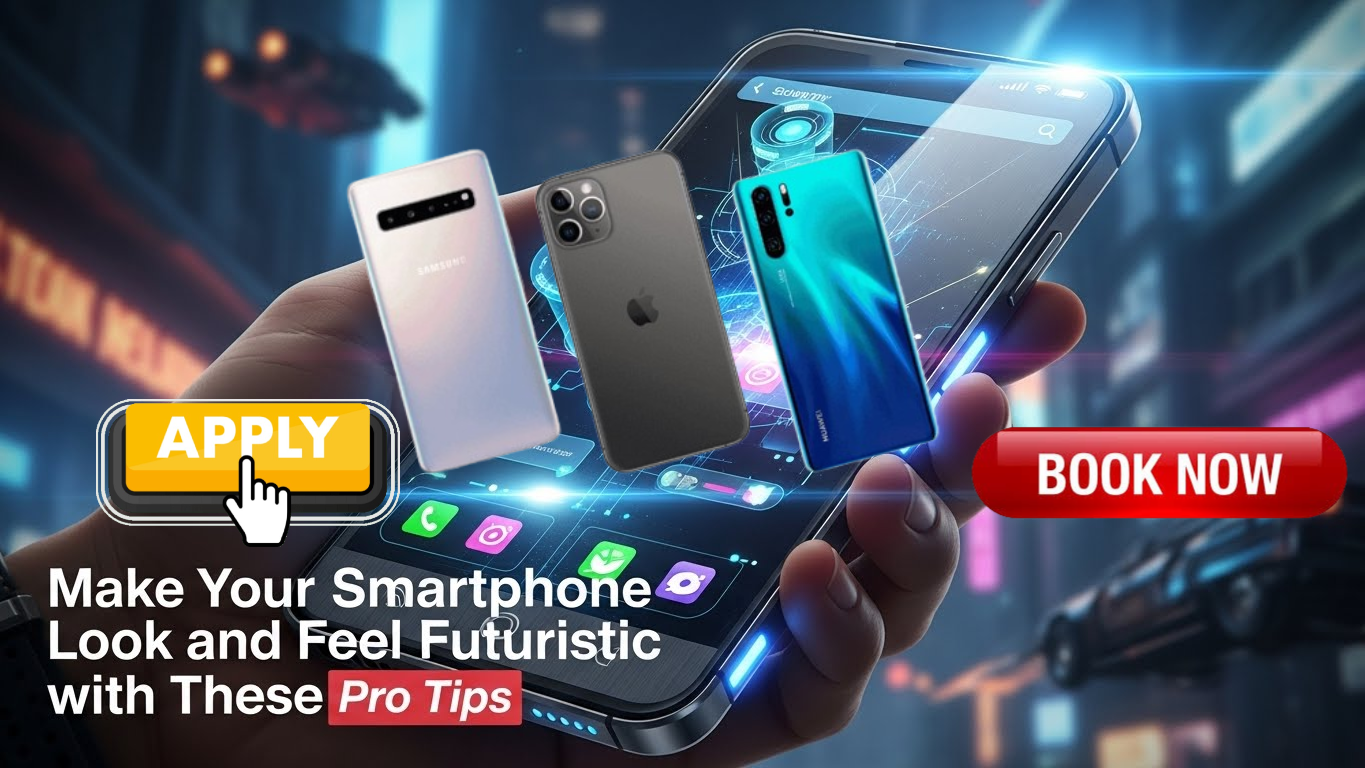
Your smartphone may already be powerful, but with the right tweaks, it can look and feel like a device from the future. You don’t need expensive accessories or a brand-new phone—just smart customization, thoughtful settings, and a few advanced tools. Follow these pro tips to transform your everyday smartphone into a futuristic powerhouse.
1. Switch to a Minimal, High-Tech Launcher
A futuristic phone starts with a clean interface. Replace your default launcher with a minimal launcher that emphasizes smooth animations, gesture controls, and grid-free layouts. Look for launchers that support neon accents, blur effects, and icon scaling to create a sleek, sci-fi vibe.
2. Use Dynamic Wallpapers and Live Effects
Static wallpapers feel outdated. Choose dynamic wallpapers that react to touch, time, or motion. AMOLED-friendly dark themes with subtle animations not only look futuristic but also save battery life. Live wallpapers with particle effects or digital patterns add instant next-gen appeal.
3. Customize Icons with a Tech-Inspired Pack
Icon packs can dramatically change your phone’s personality. Go for icons with glowing edges, holographic designs, or monochrome styles. Consistent icon design creates a polished, futuristic aesthetic that feels intentional and premium.
4. Enable System-Wide Dark Mode
Dark mode isn’t just trendy—it’s futuristic. Enable dark mode across your system and apps for a modern, immersive experience. Pair it with accent colors like electric blue, neon green, or purple for a cyber-inspired look.
5. Replace Buttons with Gesture Navigation
Gesture navigation makes your phone feel faster and more advanced. Disable traditional navigation buttons and switch to swipe gestures for smoother control. This creates a seamless experience that feels more intuitive and futuristic.
6. Upgrade Your Lock Screen Experience
Your lock screen is the first thing you see—make it impressive. Add widgets like weather animations, battery rings, or digital clocks with glowing fonts. Smart lock features such as face unlock or fingerprint animations further enhance the futuristic feel.
7. Automate Tasks Like a Pro
Automation is the future. Use automation apps to create smart routines—for example, turning on Wi-Fi and lowering brightness when you get home, or switching to silent mode during meetings. A phone that thinks for you feels truly futuristic.
8. Optimize Performance for Speed and Fluidity
A futuristic phone should feel fast. Disable unnecessary background apps, reduce animation scales slightly, and keep storage clean. Smooth scrolling and instant app launches make your phone feel advanced and responsive.
9. Use Voice Commands and AI Features
Take advantage of built-in AI assistants. Control apps, send messages, set reminders, or search the web using just your voice. The more hands-free and intelligent your phone feels, the more futuristic it becomes.
10. Add Subtle Sound and Haptic Enhancements
Replace default notification tones with soft digital sounds or sci-fi-inspired effects. Enable advanced haptic feedback for more precise vibration responses. These subtle changes make interactions feel refined and high-tech.
11. Keep Your Phone Secure with Modern Features
Security is part of the future. Use app locks, encrypted backups, and biometric authentication. A secure device feels smarter and more advanced, giving you confidence in your digital life.
12. Maintain a Clean, Minimal App Setup
Too many apps ruin the futuristic vibe. Keep only what you use, organize them into clean folders, or hide them entirely using app drawers. Minimalism equals modern technology.
A futuristic smartphone isn’t about owning the latest model—it’s about how you use and customize what you already have. With thoughtful design choices, smart automation, and performance tweaks, your phone can feel faster, cleaner, and more advanced than ever. The future is already in your hands—you just need to unlock it.